DuitNow QR: how to pay, get paid and generate a QR
How to scan a DuitNow QR, how to show one to receive money, and the consumer fees PayNet publishes.
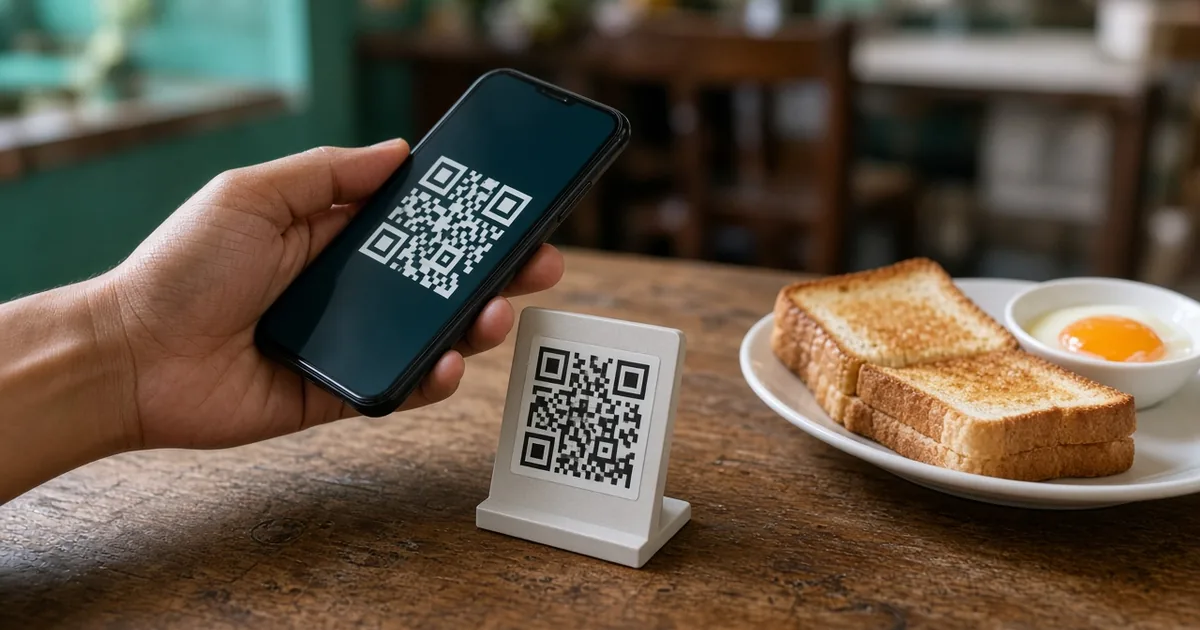
| Task | Where it happens |
|---|---|
| Pay a merchant or person | Scan a DuitNow QR in your official bank or e-wallet app |
| Receive money | Generate or display a QR from the same official app |
| Fees | Use official PayNet / bank material – we do not invent merchant MDR figures |
| If it fails | Check the official status, then see the DuitNow problems guide |
Pay with a QR
Open your official app
Choose the account or wallet you want to pay from.
Tap Scan QR or DuitNow QR
The wording varies by bank, but the function is the same scheme.
Scan the merchant or person QR
Check the name and the amount. A dynamic QR may already include the amount.
Approve the payment
Use your usual PIN, biometric or one-time password.
PayNet’s “How do I use DuitNow QR?” article is the official starting point for this flow.
Generate a QR to receive
In most apps the receive action sits next to Scan – sometimes labelled Receive, Show to Receive, or Scan Me. You can usually display a QR on the spot or share it. Some apps let you lock an amount into the code.
This is useful for a person-to-person transfer when you would rather not read out an account number. For a business, ask your bank how merchant QR and settlement work; those are commercial terms, not something this guide can set for you.
FAQs
Is DuitNow QR free for customers?
Consumer QR payments are generally free. Merchants may pay an MDR to their bank. Confirm with your own provider.
Can I use any bank’s app to scan any DuitNow QR?
That is the point of a national QR standard, provided both sides participate. If a scan fails, update the official app and try a second participating app only after you know the first payment did not go through.