How to use Touch ’n Go eWallet in China
Pay merchants in mainland China from your Malaysian ringgit balance, using Pay or Scan in the official app. No separate Alipay account is required.
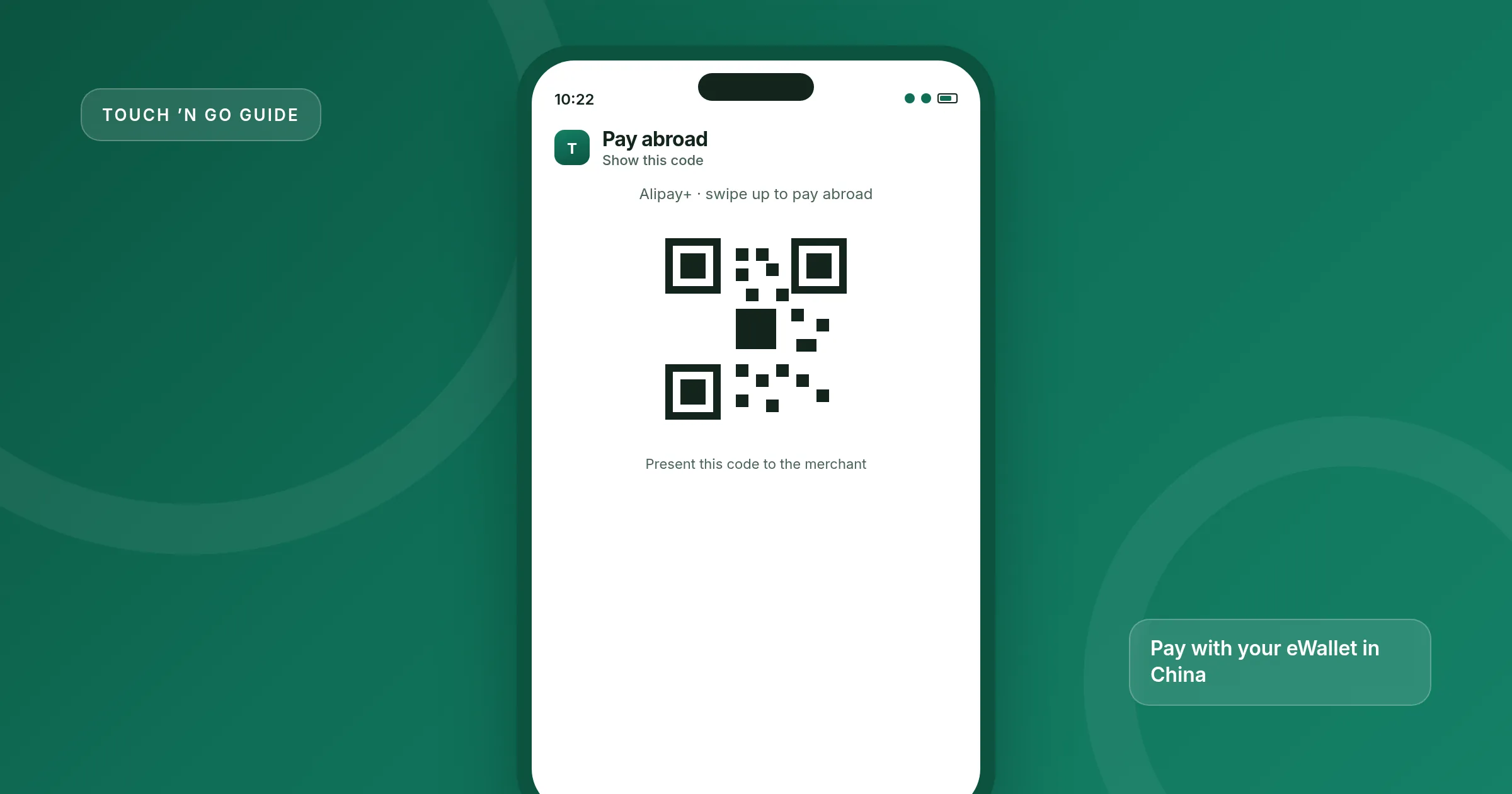
Yes, you can use Touch ’n Go eWallet in mainland China. Overseas QR Payment in the official app lets you pay at merchants that accept Alipay+, in more than 50 countries. You spend the ringgit already in your eWallet. The app shows the foreign-currency amount and the exchange rate before you confirm.
You need a verified (KYC) Touch ’n Go eWallet. The service is not limited to Malaysian citizens, but TNG states that residents of China or Singapore cannot make Overseas QR payments inside their own country.
This is a merchant payment, not a way to send money to a person’s Alipay account. If a stall shows only a personal QR, the payment may fail. Keep a backup, such as cash or a card, for places that do not take Alipay+.
What you need
- A Touch ’n Go eWallet that has completed verification (KYC). The basic overview is on Touch ’n Go eWallet.
- The latest version of the official app, with camera permission turned on so you can scan codes.
- Enough ringgit in the wallet for your trip. Top up before you travel, or while you still have a reliable connection. Methods are listed in how to top up Touch ’n Go eWallet.
- A working mobile data or Wi-Fi connection. A weak connection can block the payment.
Pay in China, step by step
TNG publishes two official methods: show your code (Pay) or scan the merchant’s code (Scan). Both spend the same eWallet balance.
-
Update the app and check your balance
Install any pending update, confirm your KYC is complete, and top up enough ringgit for the day plus a buffer. Overseas spending uses the same account, daily and per-payment limits as your Malaysian wallet tier, so a Lite wallet will not stretch as far as a Premium one.
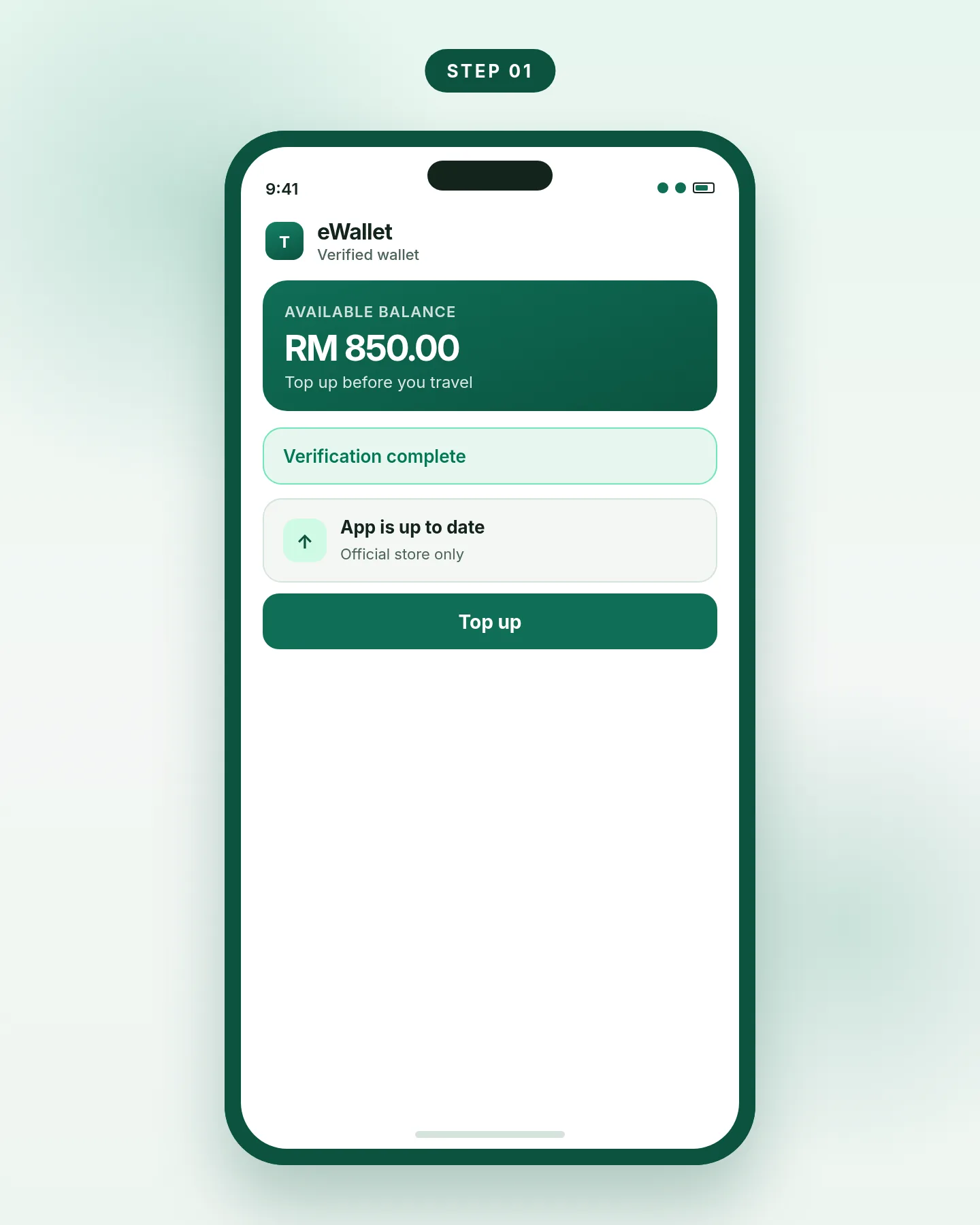
Step 1. Use the latest app and a verified wallet with enough balance. -
Preview the rate, or switch the country if you see the toggle
TNG says you can check the daily exchange rate from the Pay or Scan functions on the home screen. If your home screen shows a country switch, you can also preview your estimated balance in the local currency, using the current Alipay+ rate, and see travel tips or vouchers for that country. The amount shown in foreign currency is an estimate until the payment is completed.
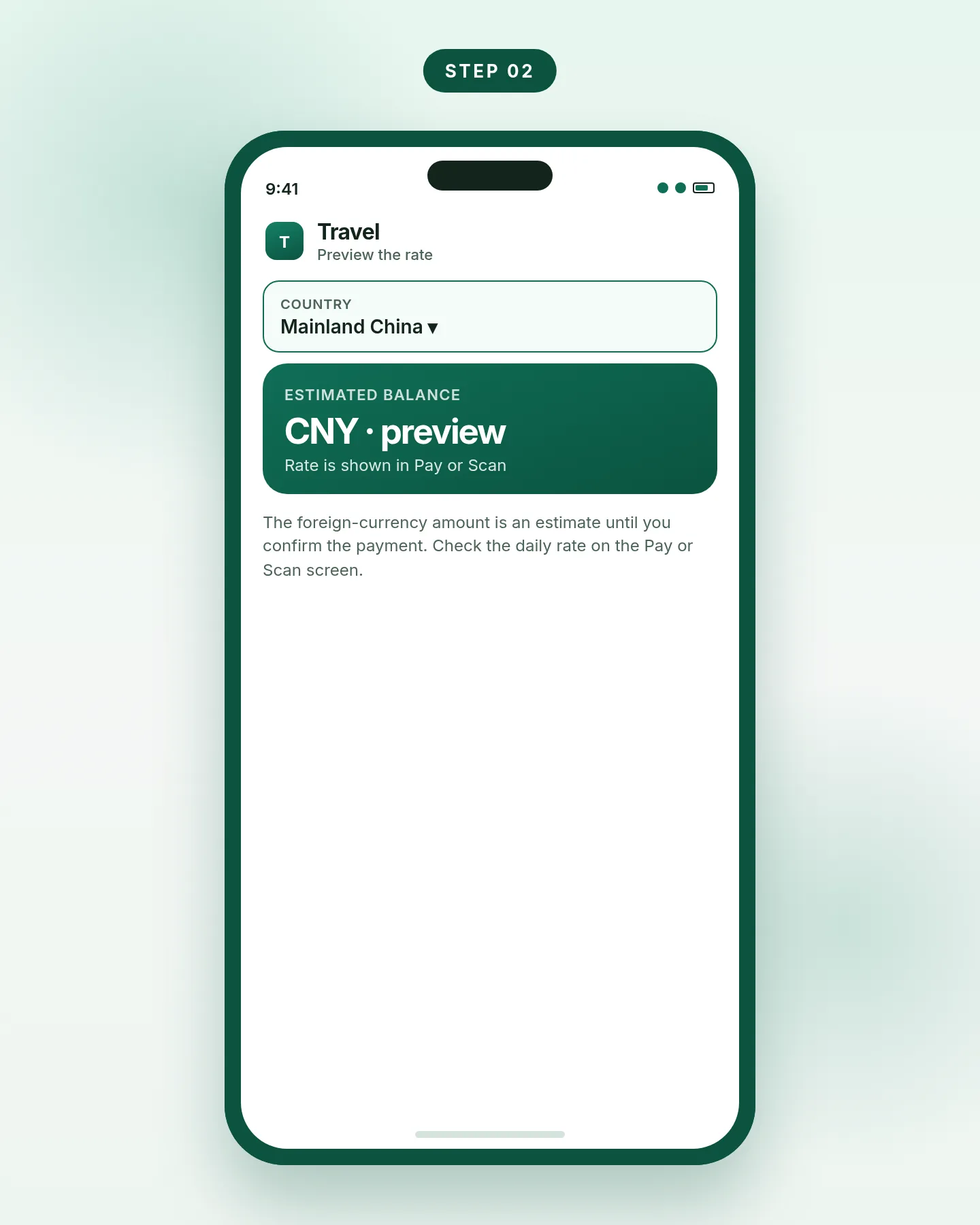
Step 2. Check the rate in Pay or Scan before you pay. -
Show your QR with Pay
Open Touch ’n Go eWallet, tap Pay, then swipe up to pay abroad with Alipay+. Show the QR code to the merchant. The merchant scans it, and the payment completes. This is the usual in-person method when the cashier is set up to scan the customer’s code.
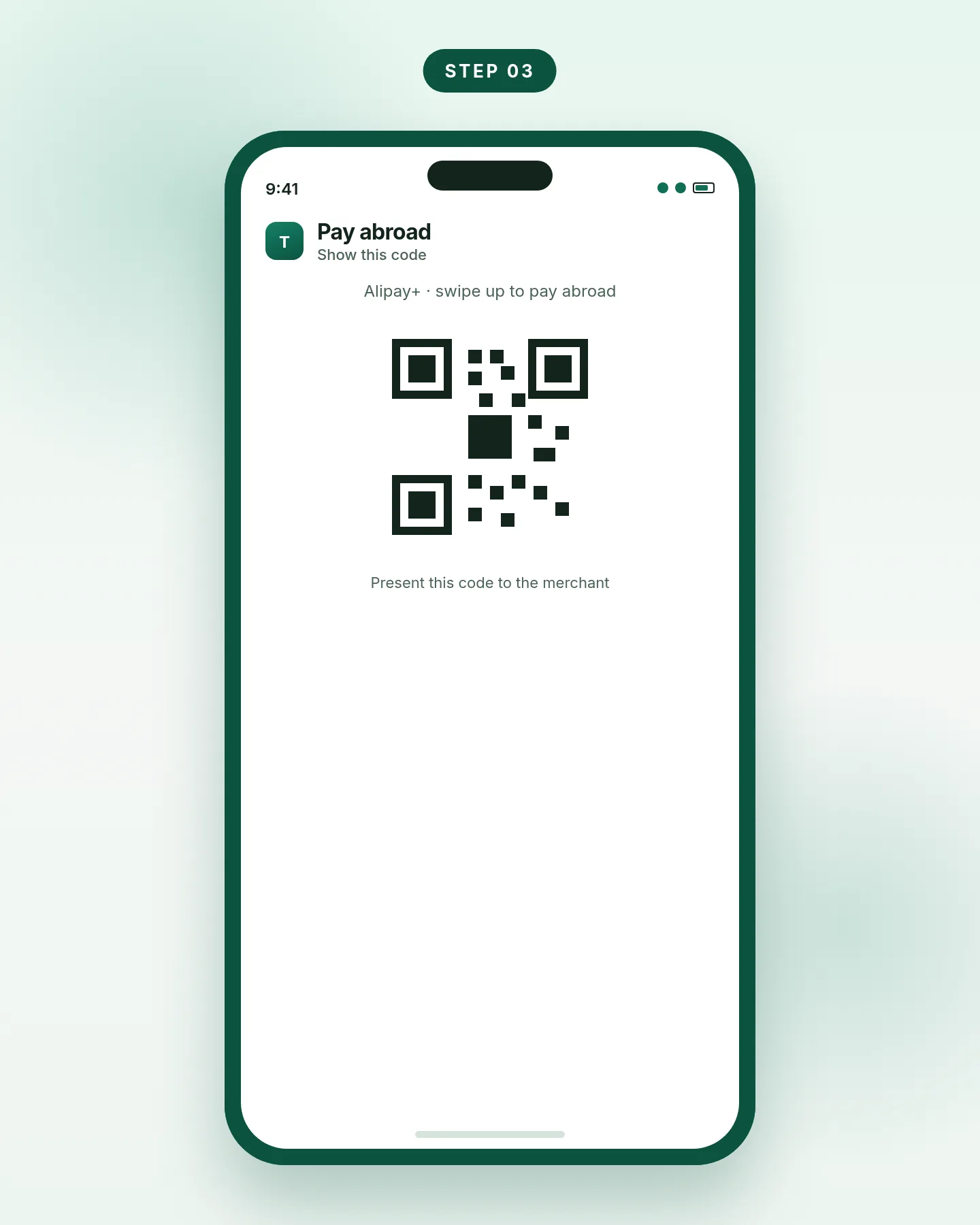
Step 3. Pay: swipe up for Alipay+ and show your code. -
Or scan the merchant’s QR
Open the app, tap Scan, and point the camera at the merchant’s QR code. Enter the amount, then tap Pay now. Use this when the shop displays a static code at the counter. Confirm that the name and amount look right before you pay.
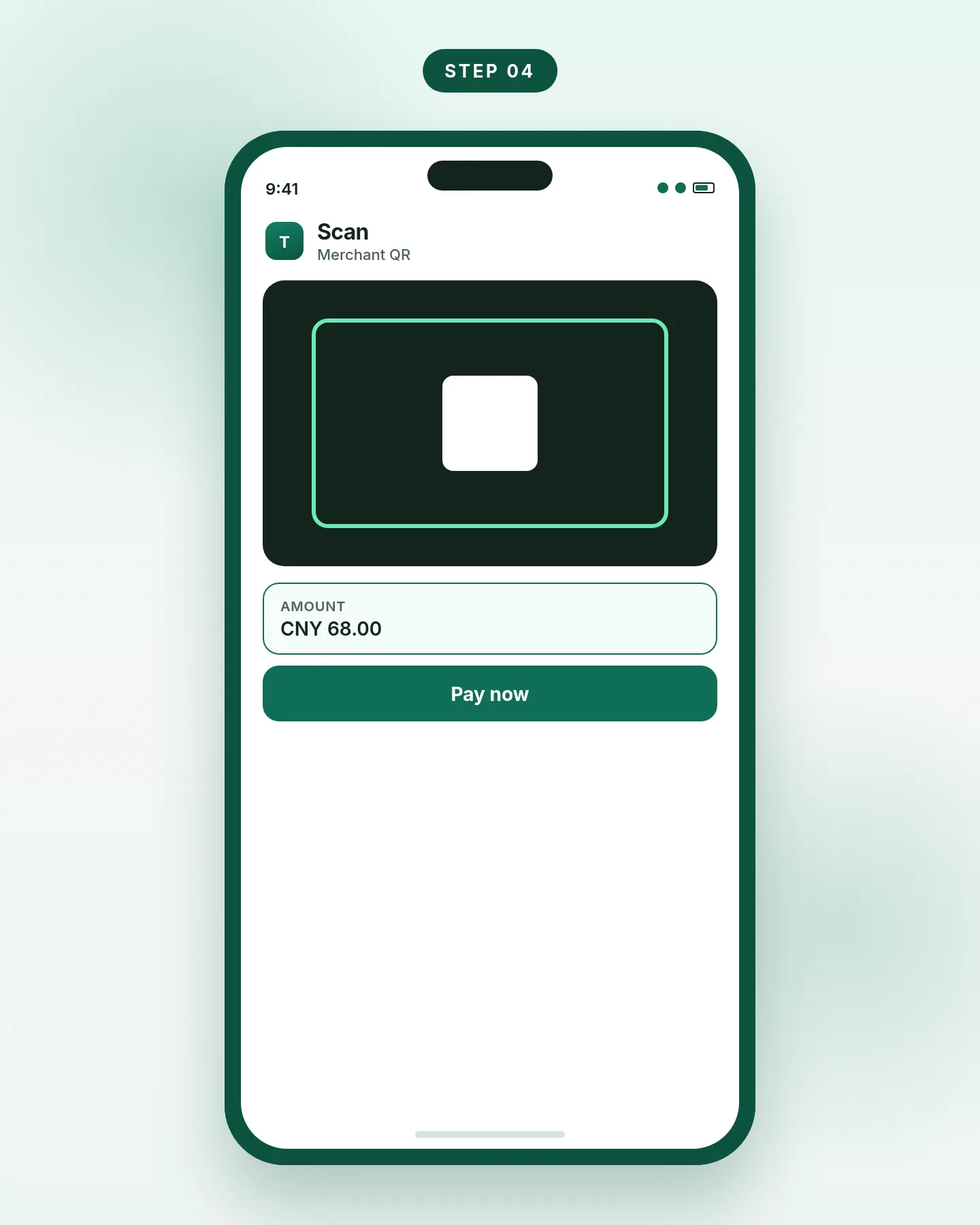
Step 4. Scan the merchant’s code, enter the amount, then pay. -
Check the receipt in both currencies
After a successful payment, open your transaction history. You should see the amount in the local currency, the ringgit deducted, and the rate used. If a refund is issued later, TNG says it is converted at the rate from the original transaction date, not at today’s rate.
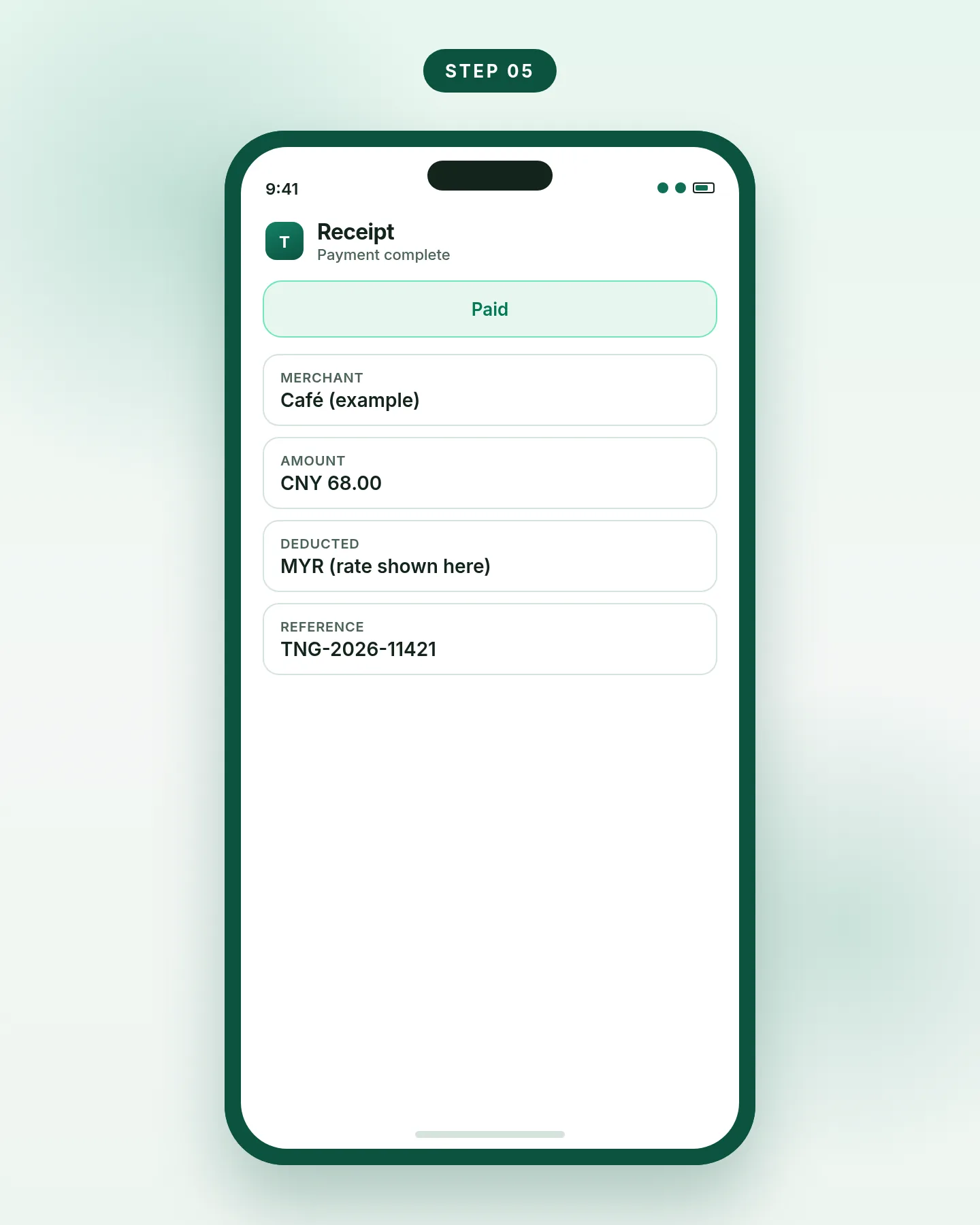
Step 5. Keep the in-app receipt; it shows both currencies and the rate.
Spending limits and fees abroad
When you use the eWallet abroad, TNG applies the same limits as your wallet tier in Malaysia. The figures below are from TNG’s help article on overseas spending limits (updated 24 July 2026).
| Wallet tier | Account limit | Monthly limit | Daily limit | Per payment |
|---|---|---|---|---|
| Lite | RM200 | RM2,000 | RM2,000 | RM2,000 |
| Pro | RM5,000 | RM5,000 | RM5,000 | RM5,000 |
| Premium | Up to RM20,000 | RM120,000 | RM5,000 | RM5,000 |
Official TNG eWallet help: “Is there a limit on the amount I can spend using TNG eWallet abroad?”
TNG states that it does not charge a foreign transaction fee for overseas QR payments, unlike the 1% to 3% fee many banks add on card spend abroad. The conversion still follows the daily rate supplied by the payment service operator, which you can view in Pay or Scan before you pay. That rate can be better or worse than a banknote rate you see at a money changer. Compare it on the screen, then decide.
An eWallet balance is not a bank deposit and is not protected by PIDM in the same way as a savings account at a licensed bank. The distinction is explained on PIDM and safety.
If the payment will not go through
TNG’s official checklist for a failed cross-border payment is short and worth running in order:
Update the app
An older version can fail even when your balance is fine. Update from the official store, then try again.
Check the connection
If you see “Connection is Weak,” move, switch to another network, or wait until the signal improves.
Confirm it is a merchant code
Cross-border QR payments are for supported merchant accounts that take Alipay+ (in China), or QRIS, PromptPay or NETS in other countries. A personal QR is the usual reason a scan fails.
Allow camera access
Scan will not work if the app cannot use the camera. Turn the permission on in your phone settings, then return to the app.
If those checks do not help, contact TNG support from the help or chat function in the app. Refund and account problems after a completed payment are covered in TNG refund or account issues.
Frequently asked questions
Do I need an Alipay account to use Touch ’n Go in China?
No. You pay from the Touch ’n Go eWallet app. The merchant accepts the payment over Alipay+. You do not create a separate Alipay login for this flow.
Does TNG charge a foreign transaction fee in China?
TNG’s help centre says it does not charge a foreign transaction fee for overseas QR payments. You still pay at the daily rate shown in the app.
Can I pay a friend’s personal Alipay QR?
TNG says cross-border QR payments are intended for supported merchant accounts. If the code belongs to a person rather than a merchant, the payment is likely to be rejected.
Is Overseas QR only for Malaysian users?
It is open to any Touch ’n Go eWallet user who has completed KYC. Residents of China or Singapore cannot use Overseas QR inside their own country. A wallet linked to a Singapore card also cannot make Overseas QR payments inside Singapore.
What if I get a refund?
Refunds use the exchange rate from the original transaction date, not the rate on the day the refund arrives.
Does this also work outside China?
Yes. TNG describes Overseas QR Payment as available in more than 50 countries, using Pay and Scan. In China, look for Alipay+ at the till. Other countries may use networks such as QRIS, PromptPay or NETS. The Pay and Scan steps are the same; the logo at the counter will differ.