How to apply for GX Bank FlexiCredit
Apply in the official GXBank app, upload the documents GX asks for, then draw down to your GX Account if you are approved.
FlexiCredit is GX Bank’s line of credit. If you are approved, you get a limit you can draw from more than once into your GX Savings Account. It is a loan, not a credit card, and borrowed amounts are not protected by PIDM. Apply only in the official GXBank app from the App Store or Google Play, never through a third-party form or chat. For pricing, see GX Bank FlexiCredit.
What you need
- To be a Malaysian citizen living in Malaysia, with a MyKad, and aged 21 to 64.
- A minimum monthly income of RM1,500, or an annual income of RM18,000. You need to be salaried or self-employed. Students, homemakers, retirees and government servants on a pension scheme are not eligible.
- A GX Savings Account, or a plan to open one in the same app. A short guide is on how to open a digital bank account.
- If you are salaried: your latest two years of EPF statements as PDFs, downloaded from official KWSP i-Akaun, not scanned or edited. GX looks for at least six months of consecutive contributions up to today, plus a contribution in the current month and the same month a year earlier. Payslips and pension statements are not accepted.
- If you are self-employed: the latest six consecutive months of business bank statements as PDFs, downloaded from your bank, showing the company name and SSM registration. Screenshots and scans are not accepted.
- Each PDF should be below 3MB, which is the limit stated on GX’s FlexiCredit page.
If you do not have a KWSP i-Akaun yet, register on KWSP’s official site or app first, then download the statements from there. GX links to KWSP’s own registration and activation guides on its FlexiCredit page.
Apply in the GXBank app
There are two official entry points, depending on whether you already have a GX Account.
-
Open the official app, or open a GX Account
Existing customers: log in to the GXBank app. New customers: download the latest official app, apply for a GX Account, and select the bundle option labelled “GX Account with FlexiCredit”. The product page also says to turn on consent for credit product offers, then open FlexiCredit from Discover or from “For you today” on Home.
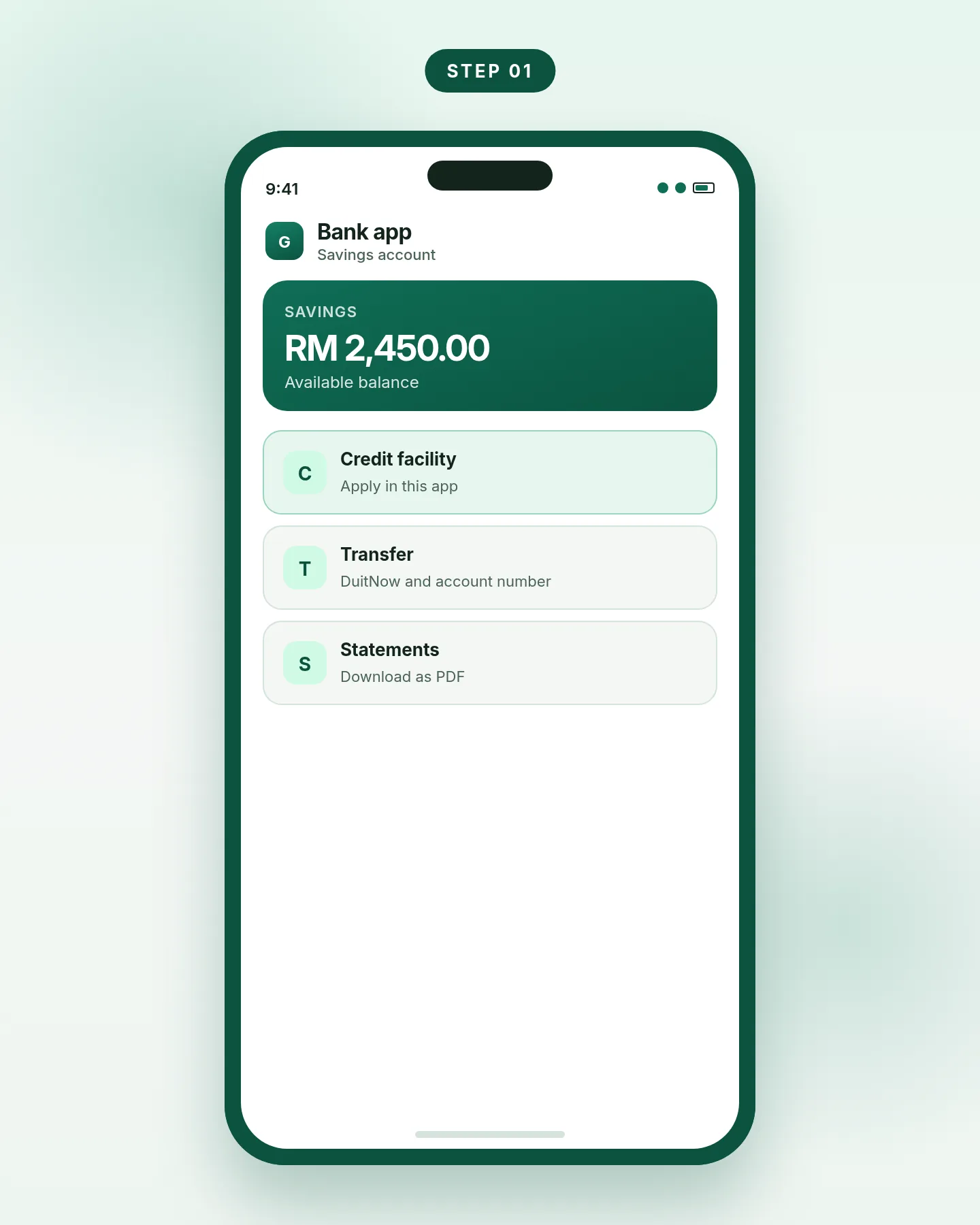
Step 1. Use the official GXBank app only. -
Find FlexiCredit in the app
GX’s help article tells existing customers to open the Discover tab and tap FlexiCredit. The product page also lists a FlexiCredit banner under “For you today” on the Home tab. If you cannot see either entry, your employment details may be out of date. GX says to update your profile through in-app live chat, the hotline +603 7498 3188, or the in-app contact form.
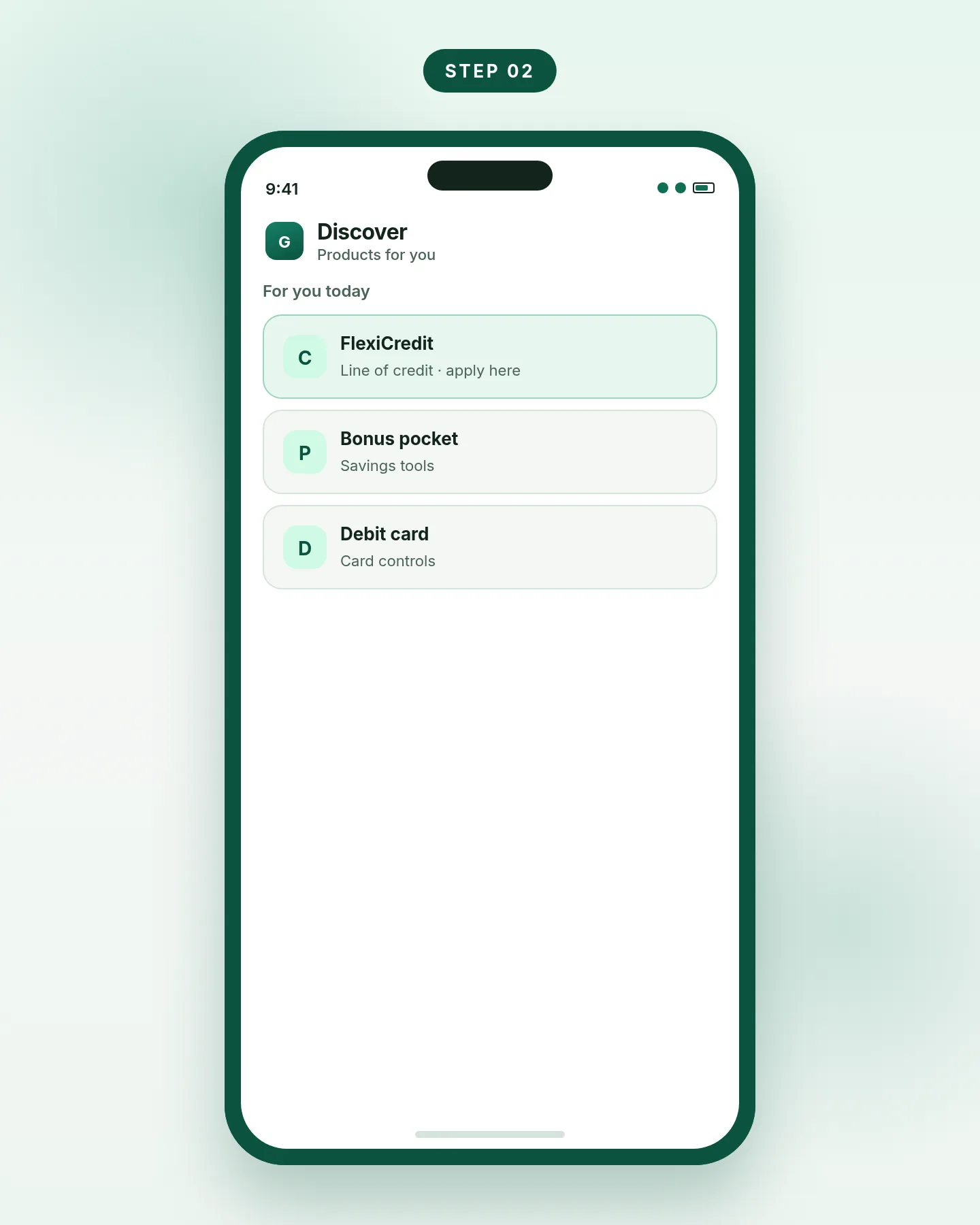
Step 2. Open FlexiCredit from Discover or the Home banner. -
Enter your details and upload the PDFs
Follow the screens in the app. Upload only the documents GX asks for, in PDF format, through the app itself. Do not email the files, and do not send them on messaging apps. Keep a copy of the file you uploaded.
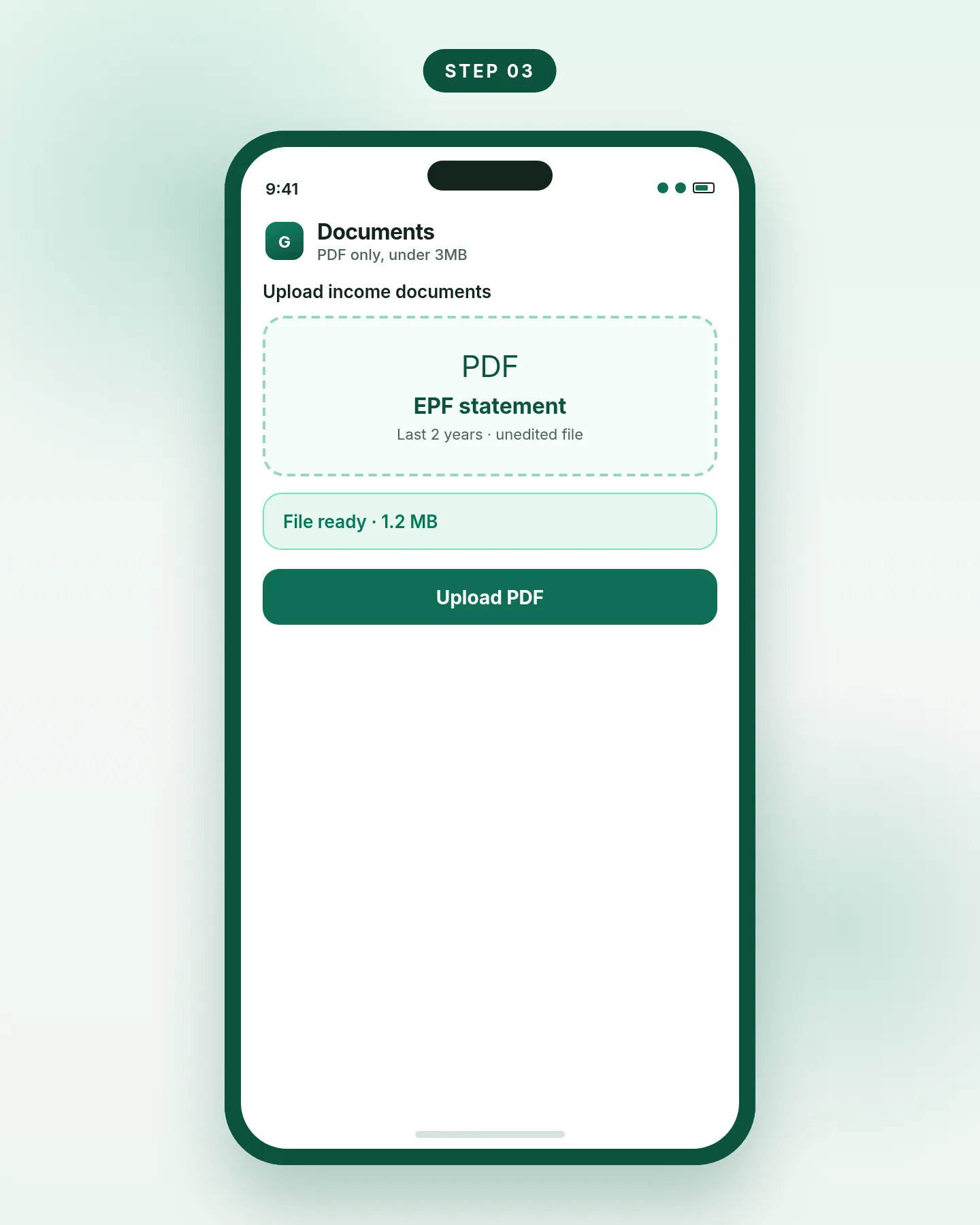
Step 3. Upload unedited PDFs inside the official app. -
Read the offer before you accept
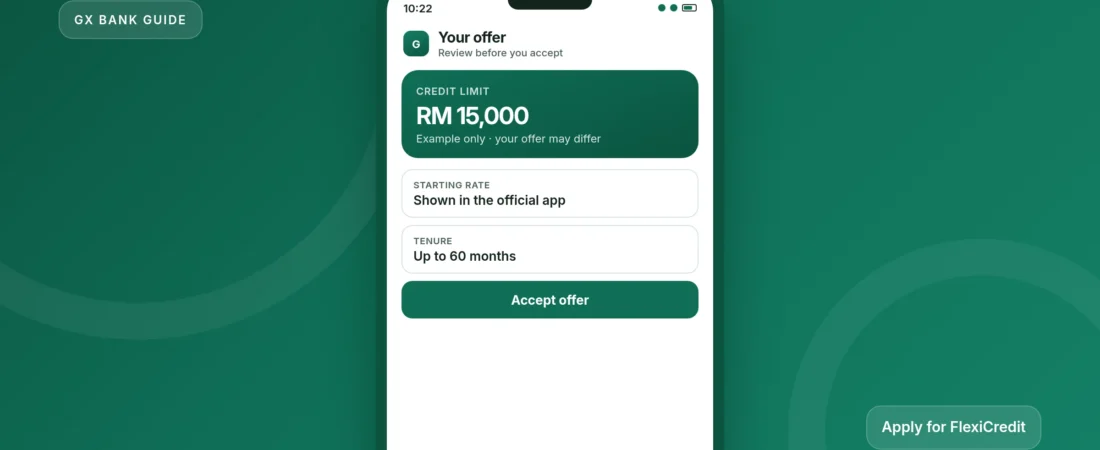
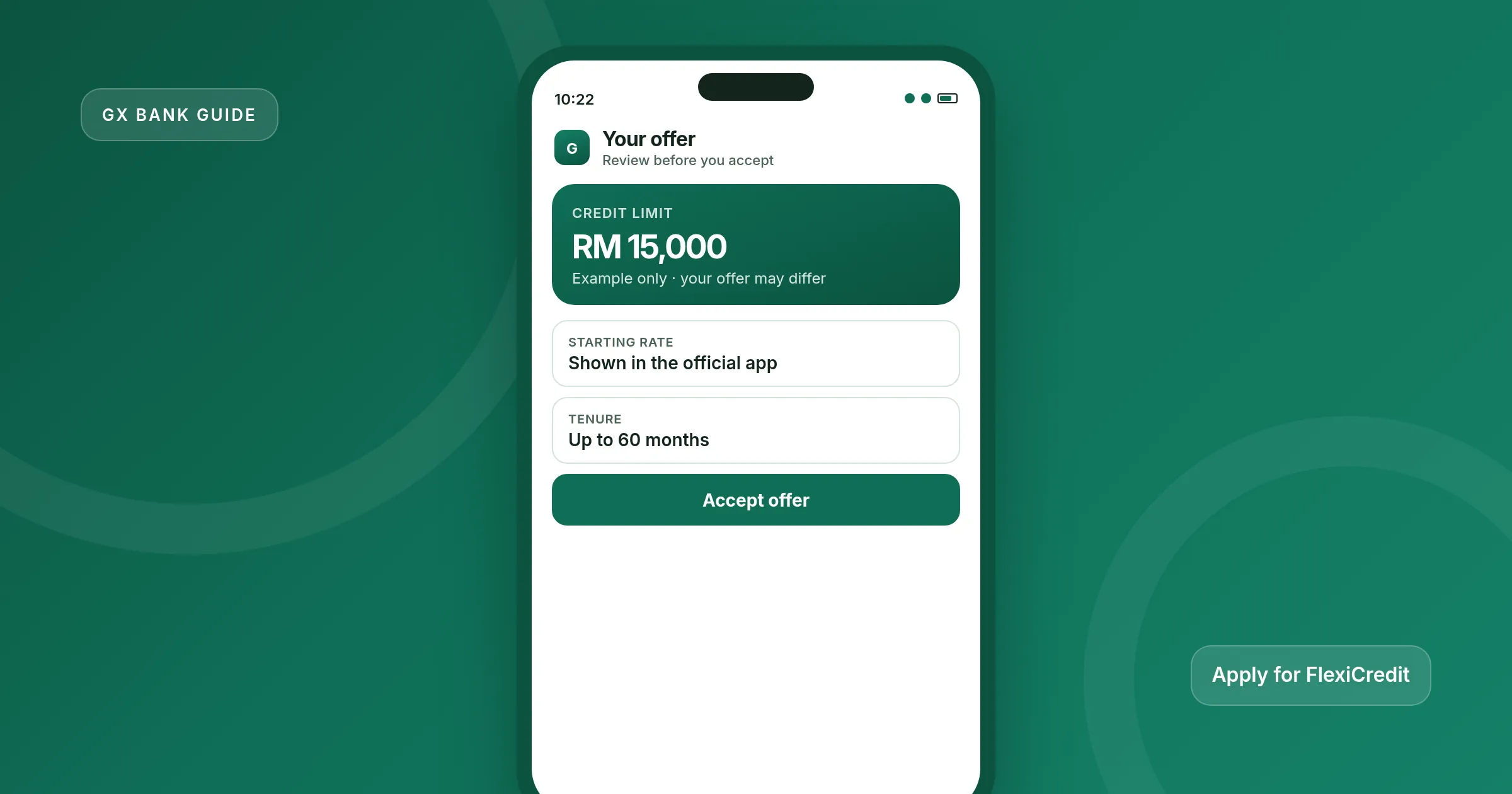
If you are approved, the app will show a credit limit and a rate. The public starting rate on GX’s FlexiCredit page is from 3.78% p.a. (EIR 6.45% p.a.), and the same page says the actual rate offered may differ. The published maximum credit limit is up to RM150,000, subject to eligibility. Check the repayment example before you accept.
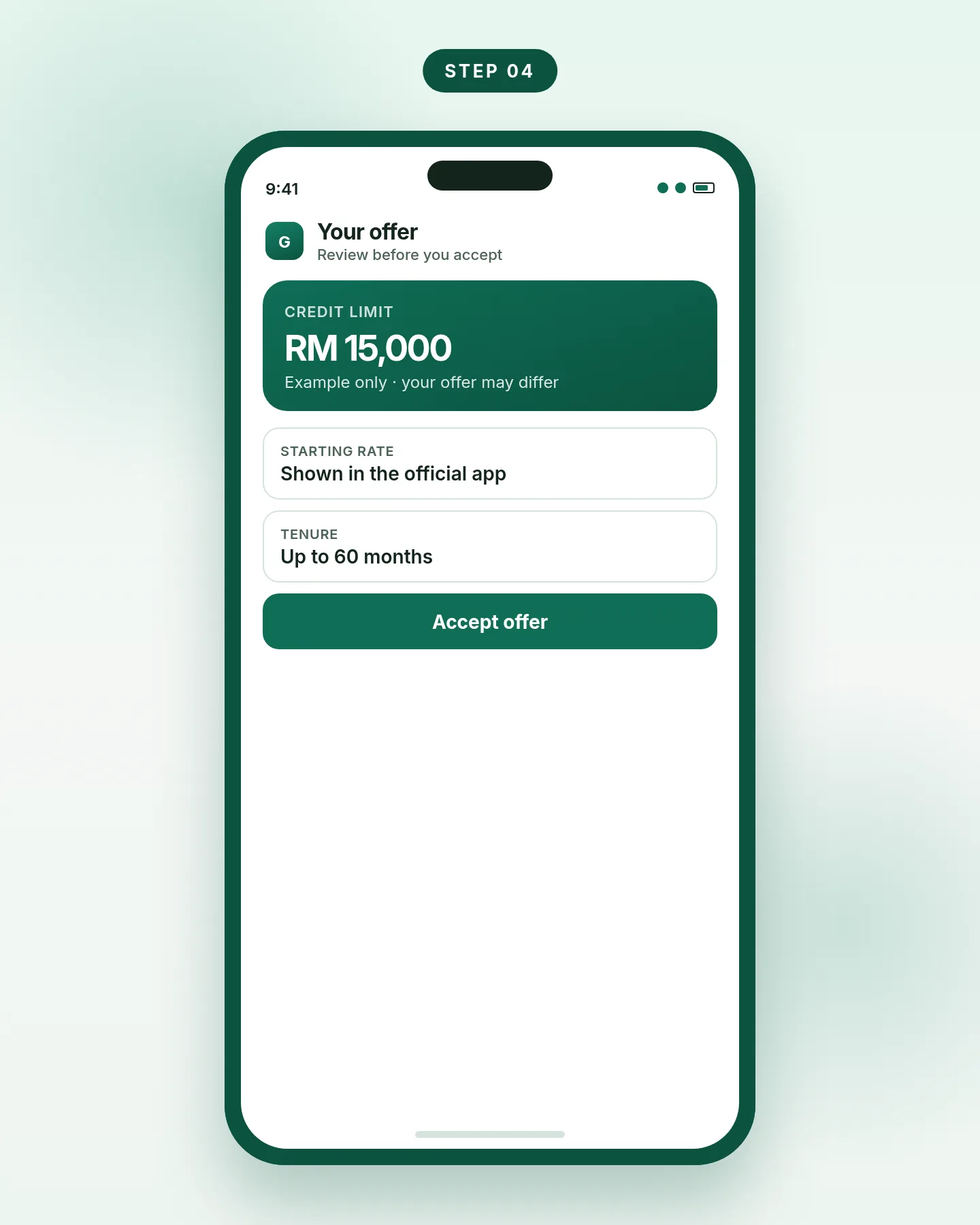
Step 4. Your limit and rate appear in the app if you are approved. -
Draw down only when you need the money
A FlexiCredit limit does not charge interest until you draw it, and GX says there is no fee just to keep the line open. Open the FlexiCredit icon or banner, tap Drawdown, enter the amount, choose a tenure and a repayment date, then confirm. You can name the drawdown. Funds go only to your GX Savings Account, and GX says disbursement takes seconds. Once the money arrives it is a deposit; the outstanding loan is still your debt. See PIDM and safety.
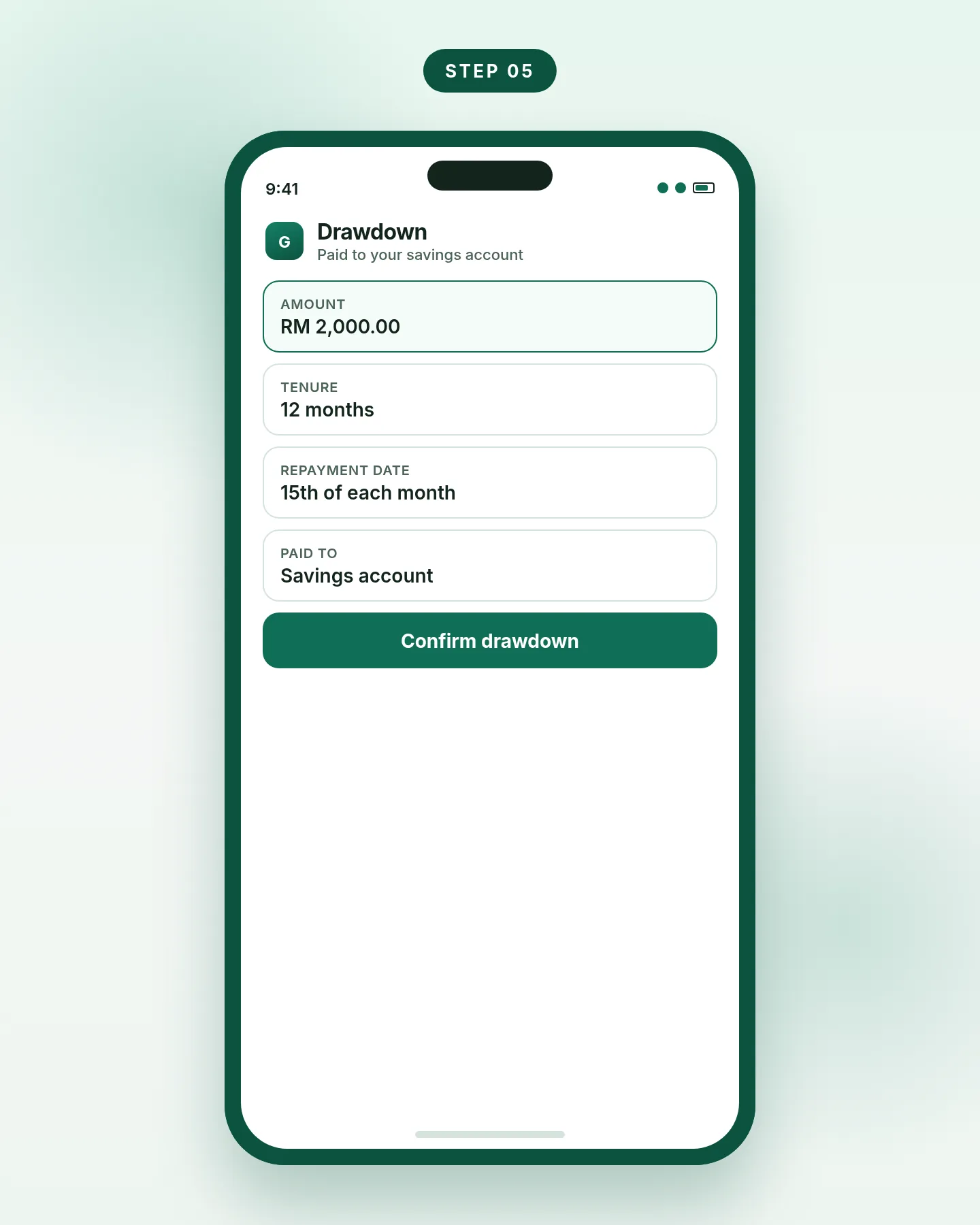
Step 5. Draw down to your GX Account from the FlexiCredit dashboard.
Limits, fees and official figures
These figures come from GX’s FlexiCredit page and help centre. Re-check the product disclosure sheet and the app before you apply, because they can be updated.
| Item | What GX publishes |
|---|---|
| Age | 21 to 64 |
| Minimum income | RM1,500 a month, or RM18,000 a year |
| Credit limit | Up to RM150,000, subject to eligibility |
| Starting interest (public page) | From 3.78% p.a. (EIR 6.45% p.a.); the rate you are offered may differ |
| Repayment tenure | Up to 60 months |
| Minimum drawdown | RM500, or RM100 if your remaining available limit is below RM1,000 |
| Maximum drawdown | Up to your assigned credit limit |
| Where funds are paid | Your GX Savings Account only |
| Processing fee | RM0 |
| Early settlement fee | RM0 |
| Late charges | 1% on the overdue amount |
Published on gxbank.my/flexicredit and in the GXBank help centre. The legal document is the Product Disclosure Sheet in the app and on the official site.
You can make more than one drawdown within your available limit. As you repay, the available limit goes back up, and GX says you do not need to apply again for later drawdowns. To change auto-repayment, view the date or open statements, go to the FlexiCredit home screen and tap Manage.
Common problems and fixes
You cannot see FlexiCredit
Update your employment details with GX support. If you are new, confirm that credit-product consent is turned on and that you opened the account in the latest app.
The PDF is rejected
Download a fresh file from KWSP i-Akaun or from your business bank, keep it under 3MB, and do not scan, screenshot or edit it. Check that the months GX asks for are actually on the statement.
You are 18, or you have no EPF
The savings account can be opened from 18, but FlexiCredit eligibility starts at 21. Payslips are not a substitute for EPF statements. Self-employed applicants use business bank statements instead.
You want the money in another bank
GX currently pays drawdowns only to your GX Savings Account. After the funds arrive, you can transfer them out with DuitNow if your account limits allow it. See how DuitNow works.
Apply only in the official GXBank app. GX will not ask you to submit documents on another platform. Do not upload your MyKad or EPF file anywhere else.
Frequently asked questions
Can I apply for a GX Bank loan without a GX Account?
You need a GX Savings Account. New customers open the account in the official app and can select the “GX Account with FlexiCredit” bundle, then continue with the documents GX requests.
How long does a FlexiCredit application take?
GX’s public page describes approval “in minutes,” subject to eligibility. It does not publish a guaranteed turnaround, so treat that as a marketing claim and wait for the result in the app.
Do I pay interest if I never draw down?
GX says there are no fees or interest just to maintain the credit line. Interest applies to the amount you actually draw, for as long as that loan is outstanding.
What is the minimum I can draw down?
RM500, or RM100 if your remaining available credit limit is below RM1,000. The maximum is your assigned limit.
Is FlexiCredit a credit card?
No. It is a line of credit you draw into your GX Savings Account. Spending on a GX debit card uses the money already in that account, unless you have drawn a loan into it first.
Who can I call if my profile is wrong?
Use in-app live chat, the contact form in the GX app, or the help-centre hotline +603 7498 3188. Official numbers are also listed on the contact page.