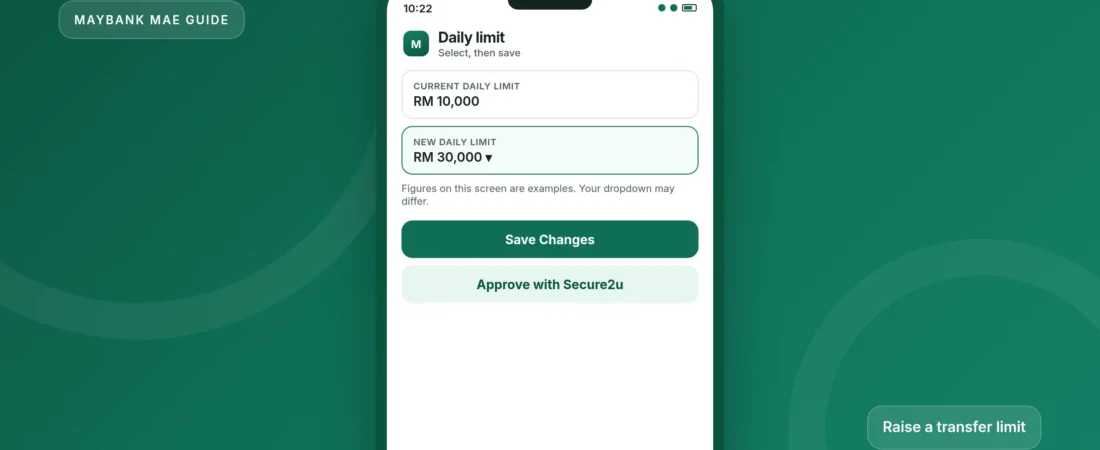
How to increase your Maybank MAE transfer limit
Change the daily transfer limit in the MAE app or on Maybank2u. Increases take 12 hours to apply. Decreases take effect straight away.
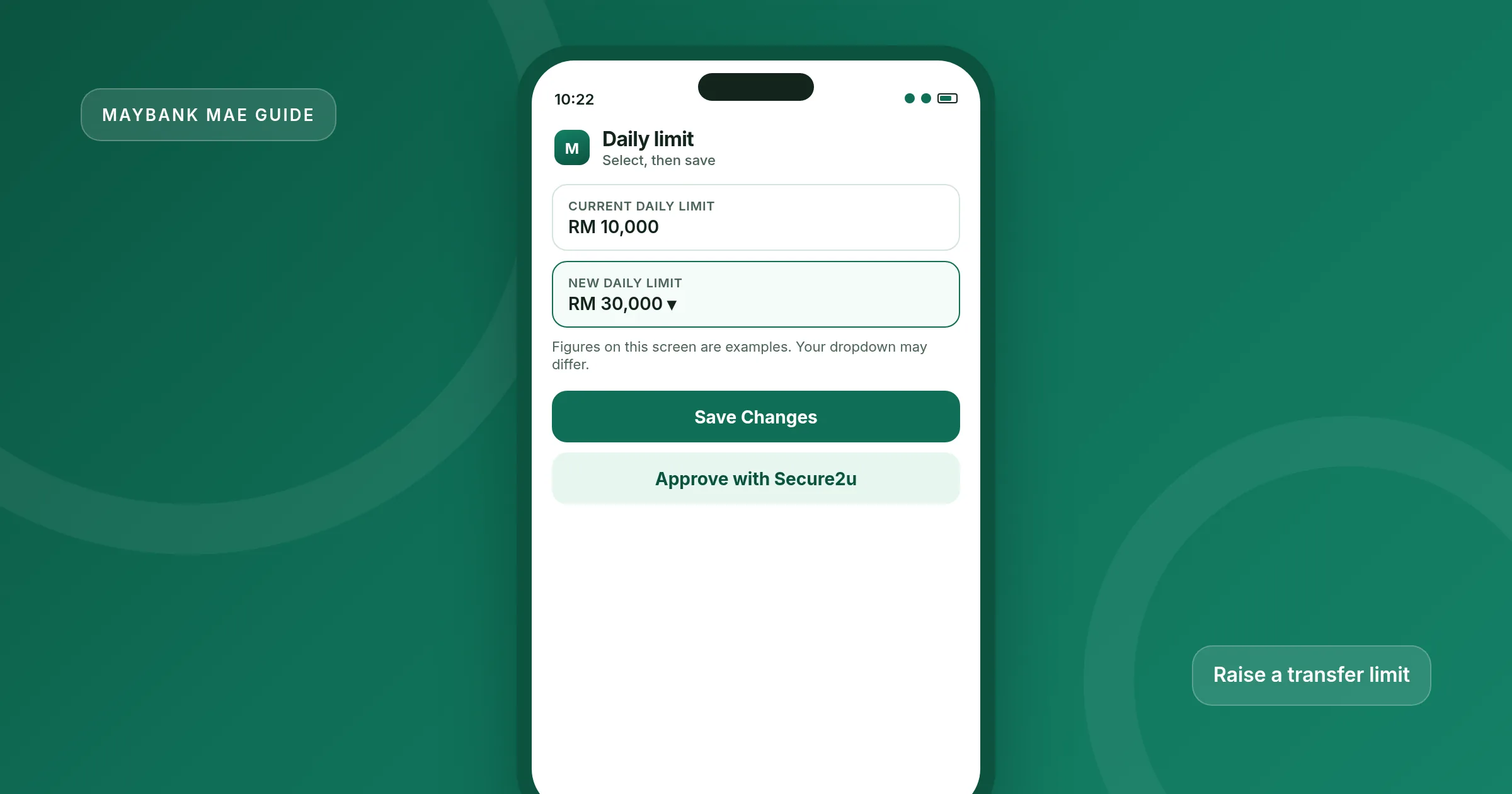
Since 14 July 2025 you can change your Maybank transfer limit in the MAE app, not only on the Maybank2u website. A change made in either place applies to transfers in both the app and the website.
If you raise a limit, Maybank starts a 12-hour cooling-off period. During that window you can still transfer up to your previous limit. The higher limit starts after the 12 hours end. Maybank will notify you by the MAE app or SMS when the cooling-off period starts and when it ends. Lowering a limit does not wait 12 hours.
Maybank added this pause to give you time to act if someone else is trying to raise your limit. If you did not make the request, use Kill Switch in the MAE app or on Maybank2u, and call Maybank Customer Care on 1-300-88-6688.
What you need
- The official MAE app, updated from the App Store or Google Play. If the app will not open or update, see MAE app update help.
- Your login and, for a limit increase, Secure2u so you can approve the change.
- A clear idea of which transfer type you want to change, for example third-party Maybank transfers, or the combined interbank and DuitNow limit.
- Optional: access to Maybank2u on the web, if you prefer to change the limit there instead.
Only raise a limit when you actually need it. After a large transfer, you can lower it again without waiting 12 hours.
Change the limit in the MAE app
These are Maybank’s official steps, as published in the July 2025 announcement and the transfer-limit FAQ.
-
Log in and open Settings
Open the official MAE app and log in. Tap Settings in the top left corner. (On Maybank2u web, Settings is in the top right.)
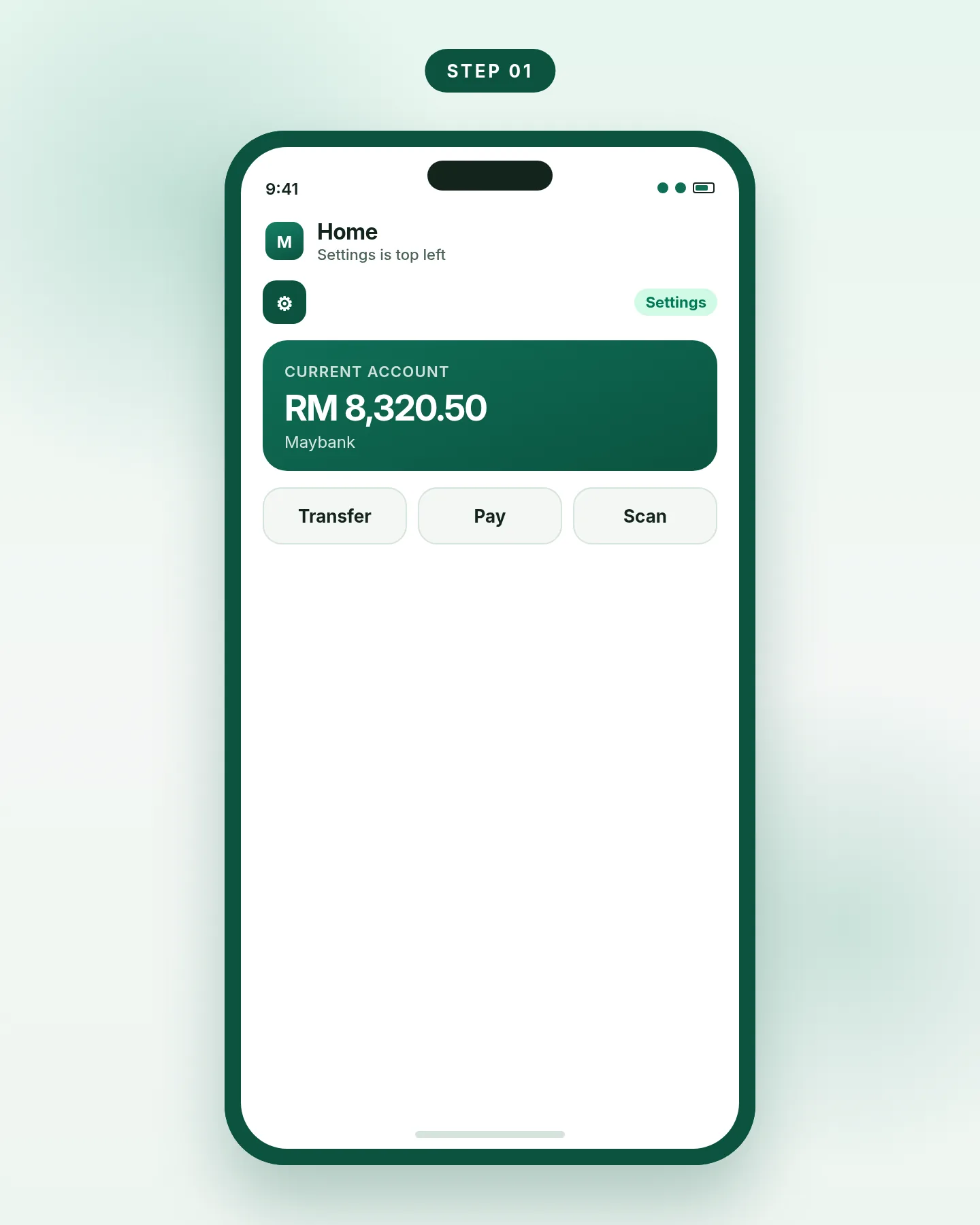
Step 1. Settings sits at the top left of the MAE app. -
Go to Transfer Limit
Open the Pay & Transfer tab, choose Transfer, then Transfer Limit. You will see the transfer types you can adjust.
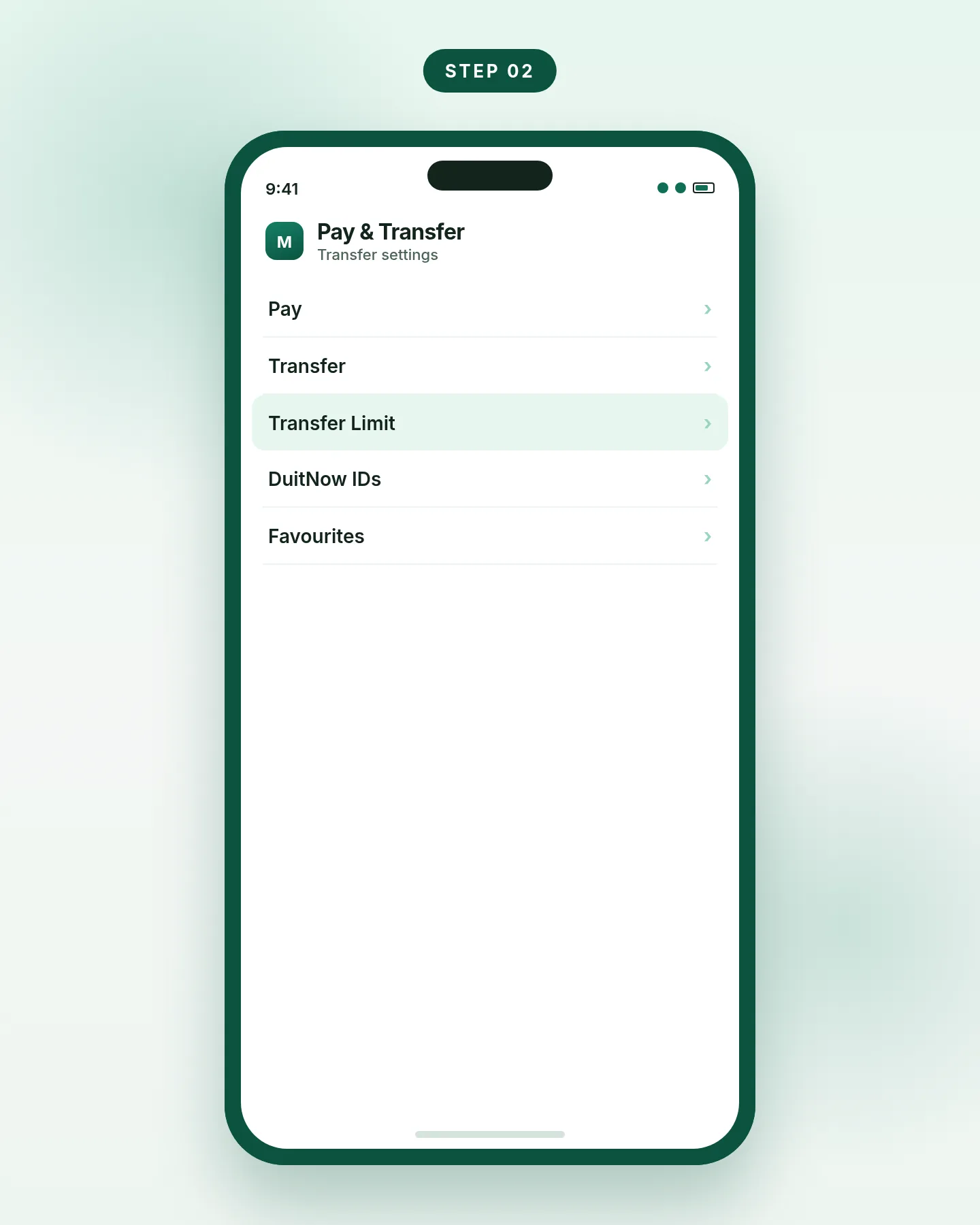
Step 2. Pay & Transfer, then Transfer, then Transfer Limit. -
Choose the transfer type
Tap the type you want to change. DuitNow to a mobile number or NRIC, DuitNow Transfer to an account number, and Interbank GIRO share one combined daily cap on Maybank’s DuitNow page, so a large transfer on one of those rails reduces what you can still send on the others the same day.
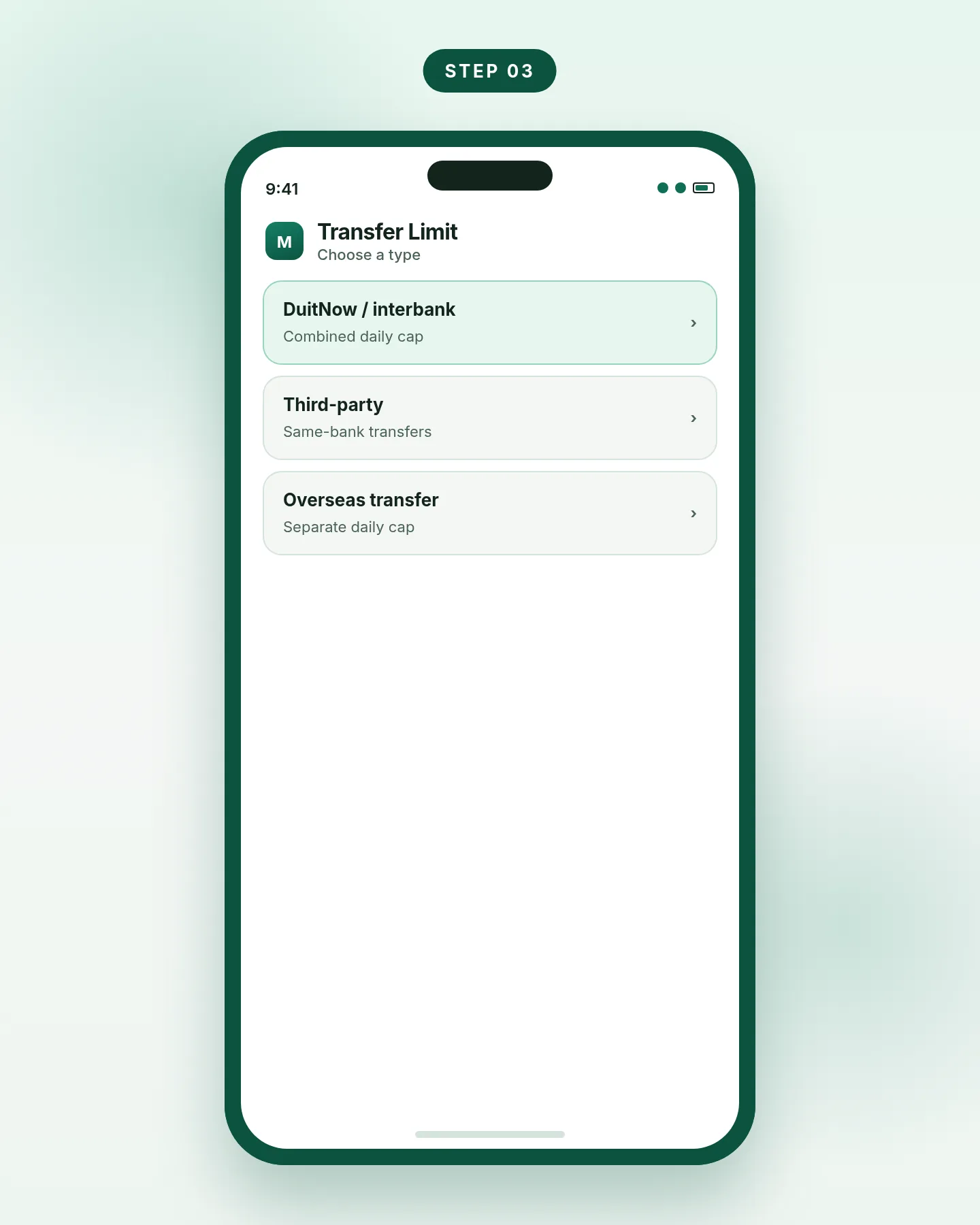
Step 3. Pick the transfer type before you edit the number. -
Select a new daily limit and save
Choose the new daily limit from the dropdown, then tap Save Changes. If the new limit is higher than your current one, approve the change with Secure2u. If you are lowering the limit, Secure2u is not required under Maybank’s published steps.
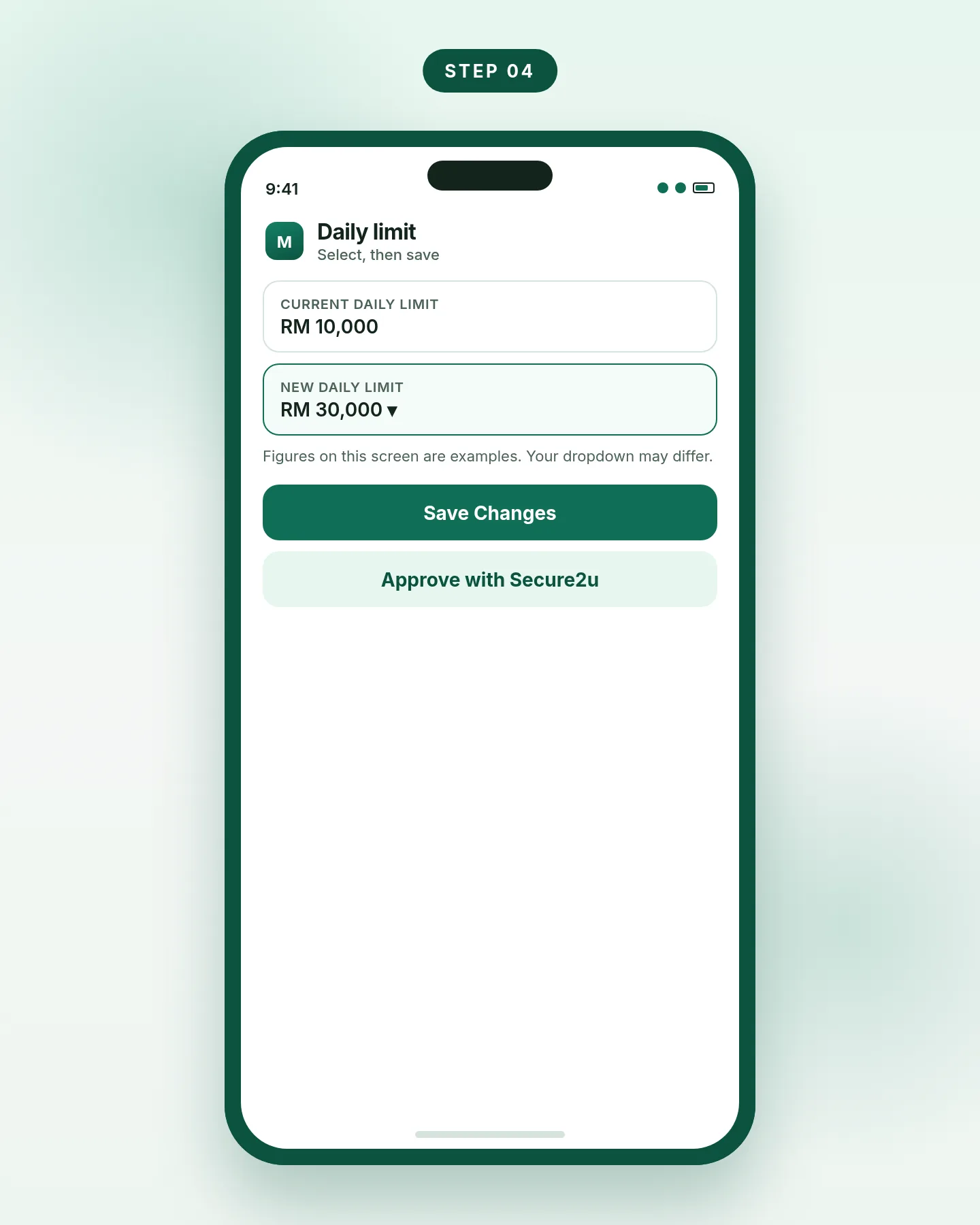
Step 4. Pick the new limit from the list, then save. -
Wait out the 12-hour cooling-off, if you raised the limit
You can keep transferring up to the old limit during those 12 hours. The new limit starts when the period ends. If you raise the limit again while cooling-off is still running, Maybank restarts the 12-hour clock from the later request, and the latest higher amount replaces the earlier pending amount.
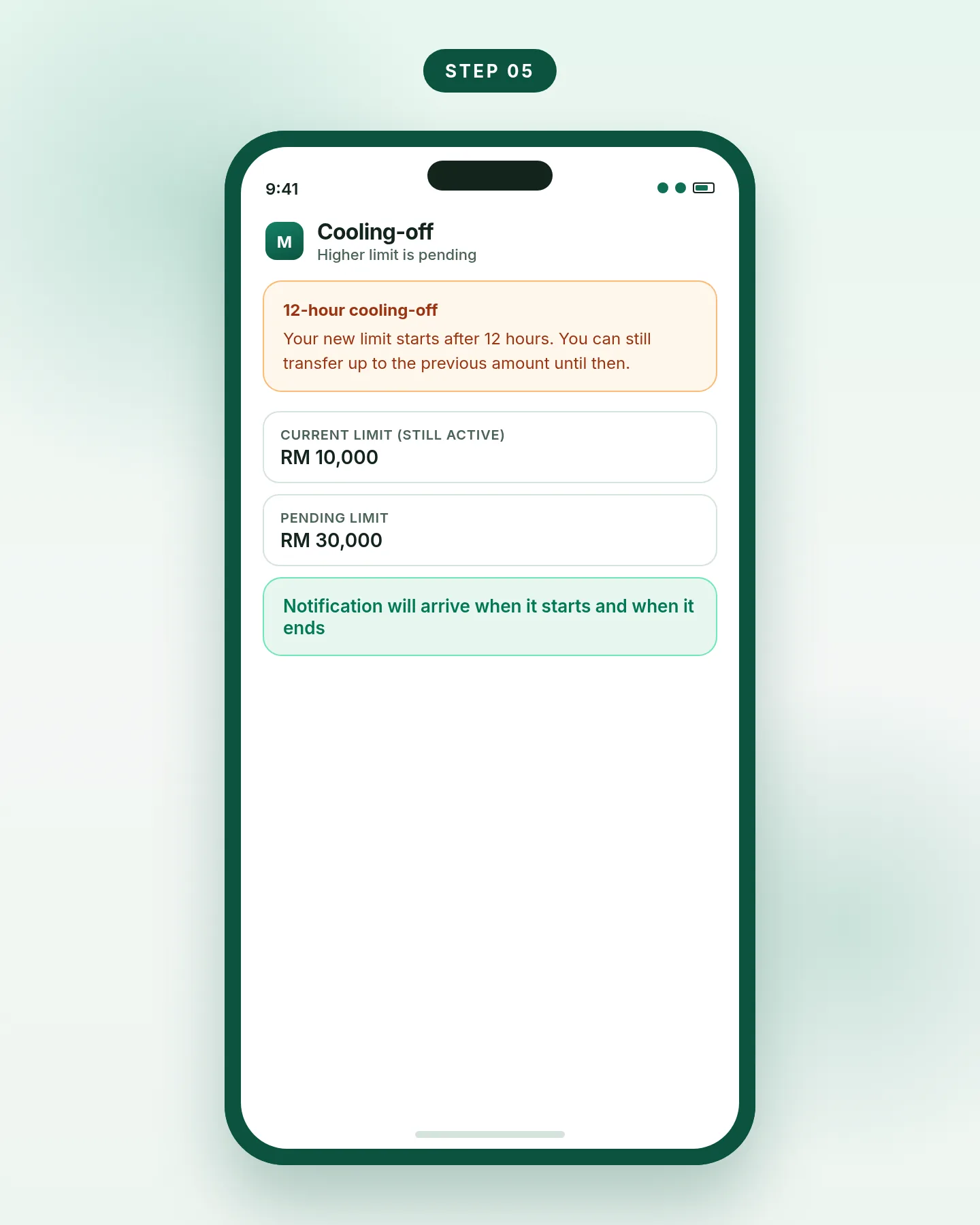
Step 5. A higher limit starts only after 12 hours.
On Maybank2u web the path is the same idea: Settings (top right), Pay & Transfer, Transfer, Transfer Limit, then the pencil icon next to the transfer type. Choose the new daily limit, save, and approve with Secure2u if you are raising it.
Official maximum daily limits
These are the published maxima for an individual Maybank2u customer. The number you can actually use is the one you set in the dropdown, up to these caps. Maybank notes that some customers may be offered a higher limit based on their total investable assets with the bank. It does not publish a public threshold for that exception, so do not assume you can go above the figures below.
| Transfer type (individual) | Published maximum daily limit |
|---|---|
| DuitNow, DuitNow Transfer (to account) and Interbank GIRO (IBG) | RM50,000 combined |
| Third-party transfers (Maybank to Maybank) | RM30,000 |
| Foreign Telegraphic Transfer and Maybank Overseas Transfer | RM100,000 combined |
| Bakong Transfer (sub-limit) | RM10,000 daily |
| DuitNow Overseas Transfer (sub-limit) | RM3,000 daily |
From Maybank’s transfer-limit FAQ and DuitNow product page. Sole-proprietor business limits are higher and are listed on the same FAQ if you bank as a business.
A short example from Maybank: if your combined DuitNow, DuitNow Transfer and IBG limit is RM50,000, and you already sent RM20,000 by DuitNow and RM20,000 by DuitNow Transfer, you have RM10,000 left on those rails for the rest of the day.
Common problems and fixes
The new limit is not working yet
If you raised it, wait for the 12-hour cooling-off to end. You can still send up to the previous amount in the meantime.
Secure2u will not approve the change
Approve from the same device that is registered for Secure2u. If the app is outdated or stuck, fix that first with the MAE update guide, then try again.
A DuitNow transfer is declined after you raised the limit
Check whether you have already used the combined DuitNow, DuitNow Transfer and IBG cap for the day. Changing the limit does not reset what you have already sent. See DuitNow and failed DuitNow transfers.
You did not request the increase
Activate Kill Switch in the MAE app or on Maybank2u, call 1-300-88-6688, and review recent transfers. The 12-hour pause exists so you can do this before the higher limit starts.
Frequently asked questions
Does a limit change in MAE also apply on Maybank2u?
Yes. Maybank says an update made in the MAE app or on the Maybank2u website applies to transfers on both.
Is there a cooling-off period if I lower my transfer limit?
No. The 12-hour cooling-off applies only when you increase a limit.
Can I change the limit again during cooling-off?
Yes. Use the same steps. If the new figure is higher than your current (still-active) limit, the 12-hour period starts again from that later request.
What is the maximum DuitNow limit on MAE?
For an individual customer, Maybank publishes a RM50,000 daily combined maximum for DuitNow, DuitNow Transfer (to account) and Interbank GIRO. The dropdown in the app may offer a lower figure than that cap.
Can I also change my payment or imteen limits in MAE?
Yes, Maybank began rolling this out on 12 January 2026. Payment limits are under Settings, Pay & Transfer, Pay, then Pay Limit. Imteen daily payment, transfer and reload limits are under Settings, Pay & Transfer, Daily Limit. Increases also have a 12-hour cooling-off period.